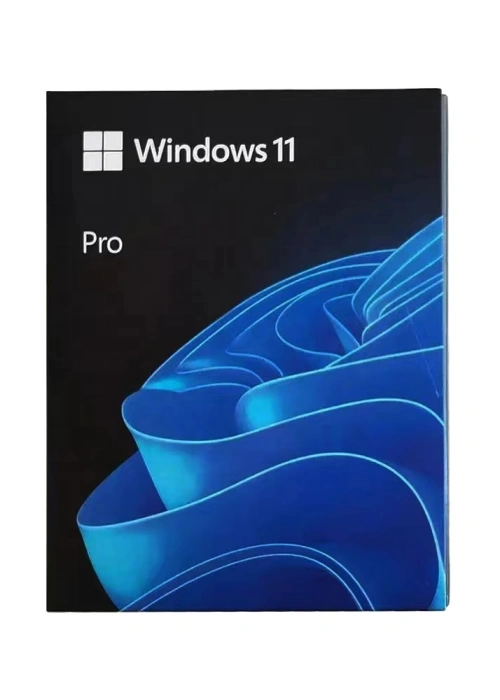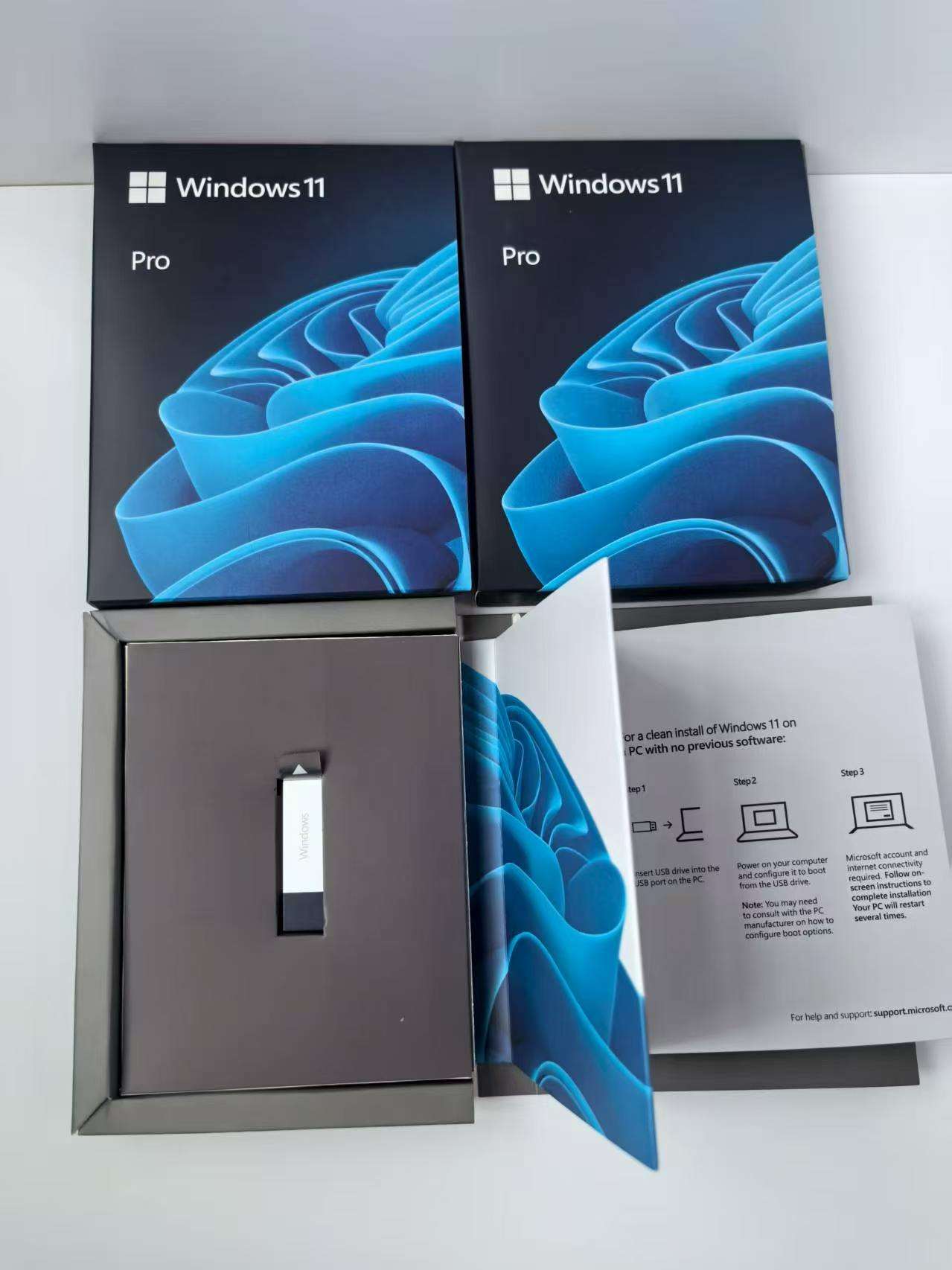
Why Modern Businesses Are Upgrading to Windows 11 Pro: The Ultimate Productivity & Security Powerhouse
In today’s fast-paced corporate world, hybrid work is no longer just a trend—it is the standard. To keep up, business professionals and IT administrators need an operating system that doesn't just keep the lights on, but actively drives efficiency, safeguards data, and simplifies management.
While Windows 11 Home is fantastic for casual, everyday use, Windows 11 Pro is engineered
from the ground up for professional environments.
If you are wondering whether making the switch is worth it, here is a breakdown of why
upgrading to Windows 11 Pro is the smartest investment your business can make this year.
1. Next-Level Security That Starts at the Hardware Layer
Data breaches are costlier than ever, and remote work introduces new vulnerabilities daily.
Windows 11 Pro addresses this by mandating strict hardware security protocols right out of the box.
-
BitLocker Device Encryption: If a company laptop is lost or stolen, BitLocker locks
everything down. It scrambles your data so unauthorized users cannot access your
sensitive files or intellectual property. -
Windows Defender Application Guard (WDAG): This feature isolates untrusted
websites and files in a virtualized container. Even if an employee accidentally clicks a
malicious link, the malware remains trapped and cannot infect the rest of the corporate
network. -
TPM 2.0 Integration: By utilizing the Trusted Platform Module, Windows 11 Pro ensures
that your cryptographic keys, credentials, and biometric data (via Windows Hello) are
tightly protected against advanced hacking attempts.
2. Advanced Management Tools Built for Scale
Managing a fleet of devices can be a nightmare for small businesses and IT departments alike. Windows 11 Pro includes powerful, cloud-based management tools that save hours of manual
setup.
-
Windows Update for Business: Take total control over deployment. IT managers can test updates on a small group of devices before rolling them out company-wide, preventing
unexpected downtime. -
Mobile Device Management (MDM) & Group Policy: Easily configure security policies,
restrict specific applications, and manage user permissions across dozens of devices from a single, centralized dashboard. -
Azure Active Directory (Azure AD) Join: Employees can log into their apps, cloud
storage, and corporate network seamlessly using a single, secure sign-on.
3. Remote Work & Virtualization Ready
If your team relies on virtual machines or needs to access the office desktop from home, the
Pro edition is a non-negotiable asset.
-
Remote Desktop (Host): Unlike the Home edition (which can only act as a client),
Windows 11 Pro allows your machine to be hosted remotely. You can securely connect to your primary office workstation from any device, anywhere in the world. -
Hyper-V Virtualization: Developers and IT professionals can run multiple operating
systems (like Linux or older versions of Windows) simultaneously on a single PC without
needing sluggish third-party software. -
Windows Sandbox: Need to test a suspicious app or file? Fire it up in Sandbox. It
creates a lightweight, isolated desktop environment that completely disappears—along
with any potential viruses—the moment you close it.
4. AI-Powered Productivity to Smash Your Daily Goals
Windows 11 Pro isn't just about security; it’s designed to help you work faster and smarter.
With deep integration of Microsoft Copilot, your daily workflow gets a turbo boost. Whether
you need to summarize long legal documents, generate emails, or instantly tweak complex
system settings, the AI assistant handles it in seconds. Combined with Snap Layouts—which
let you organize multiple windows into perfect grids with one click—multitasking becomes
entirely effortless.
Windows 11 Home vs. Windows 11 Pro: At a Glance
The Bottom Line: Is It Time to Upgrade?
Upgrading to Windows 11 Pro isn't just about getting a few extra software features—it is about future-proofing your business. By equipping your team with enterprise-grade security,
seamless remote access, and effortless device management, you eliminate tech friction and
focus on what truly matters: growth.
Ready to transform the way your business works? Contact our sales team today
to learn about flexible volume licensing options and seamless upgrade paths for
your organization.
💡 Google SEO Optimization Notes (For your reference)
To ensure this blog post ranks effectively on search engines, here is the underlying SEO
strategy used:
-
Target Keywords Included: Windows 11 Pro upgrade, Windows 11 Home vs Pro, BitLocker device encryption, remote work OS, Windows 11 business features, Microsoft Copilot productivity.
-
URL Slug Suggestion:
/why-upgrade-to-windows-11-pro-business -
Meta Description (Max 155 characters):
-
Header Tags: Structured with clear
H1,H2, andH3tags to help Google bots easily crawl and understand the hierarchy of the content. -
Readability: Short paragraphs, bullet points, and a clean comparison table increase user engagement and lower bounce rates—key signals for high Google rankings.