
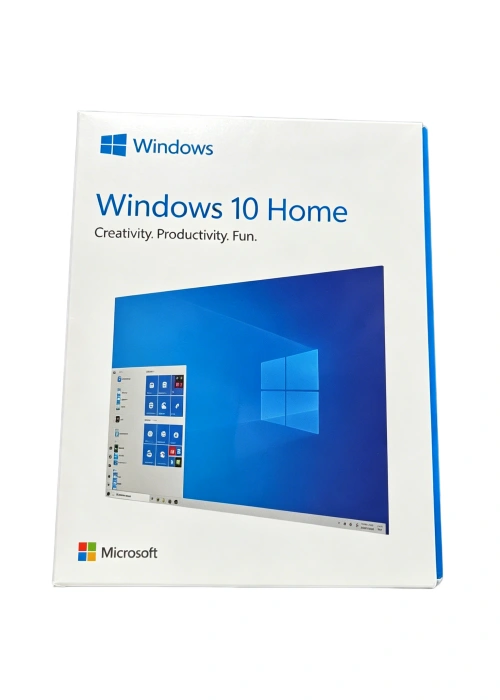
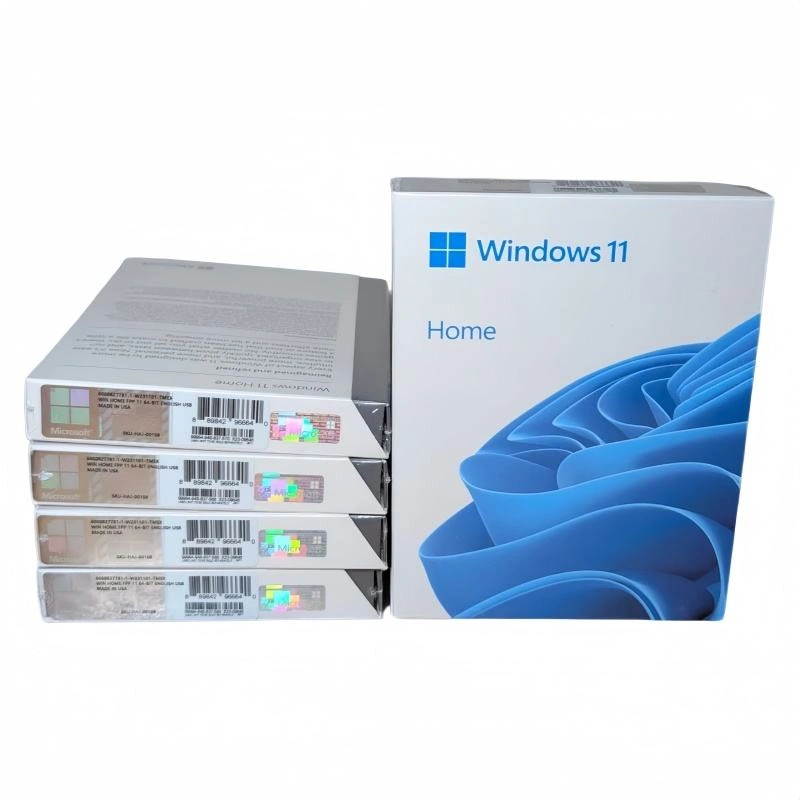
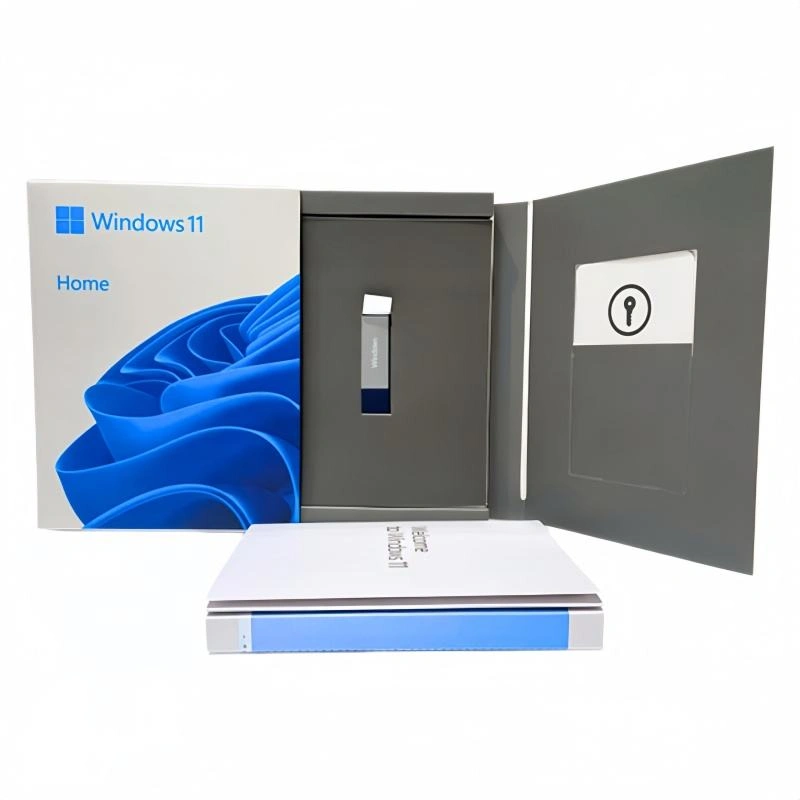
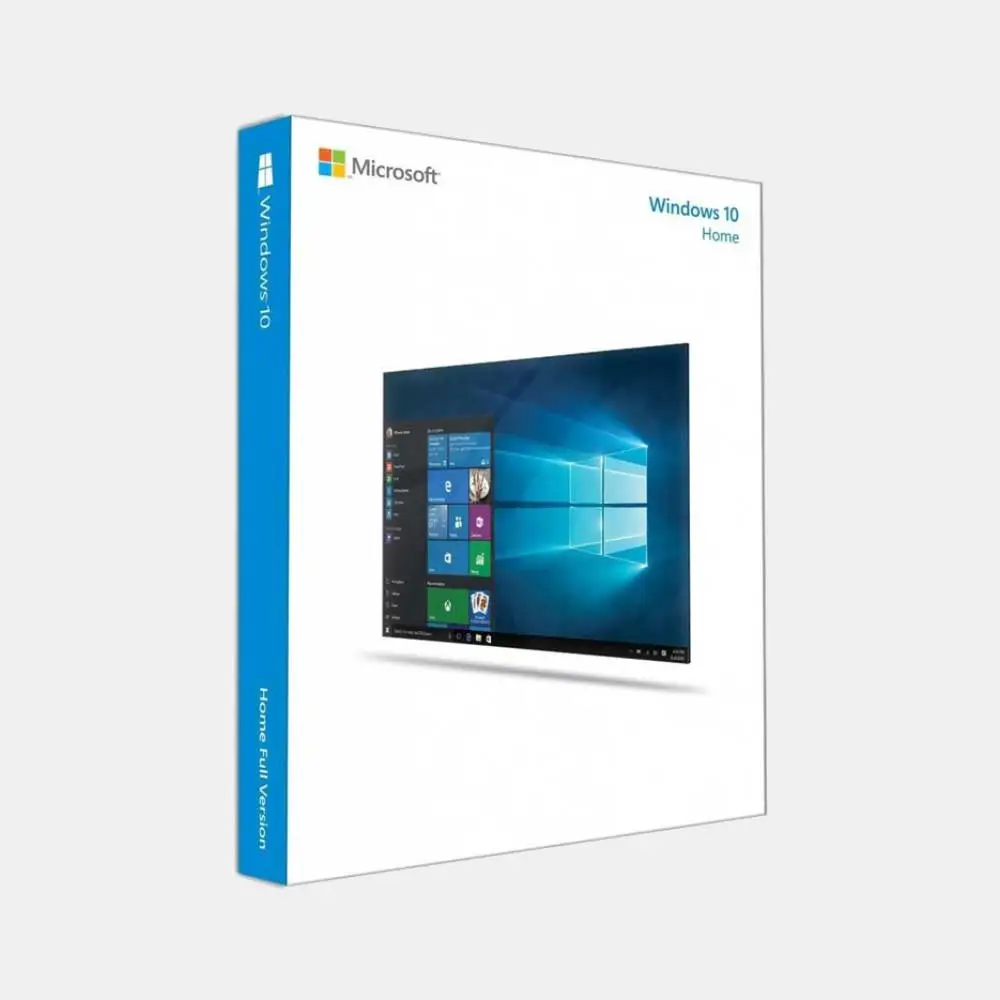
Windows 10 Home USB Box
• Pre-activated USB box edition
• Plug-and-play setup on compatible PCs
• Includes official Microsoft support
• Compact, retail-ready packaging
-
Detail
Microsoft Windows 10 Home
Full Retail Pack (FPP) Box with Bootable USB Flash Drive (32/64-Bit)
Bring out the best in your computer with Microsoft Windows 10 Home. Combining a highly intuitive user experience, robust built-in security, and exceptional hardware compatibility, Windows 10 Home is the definitive operating system for everyday computing, family productivity, and immersive gaming.
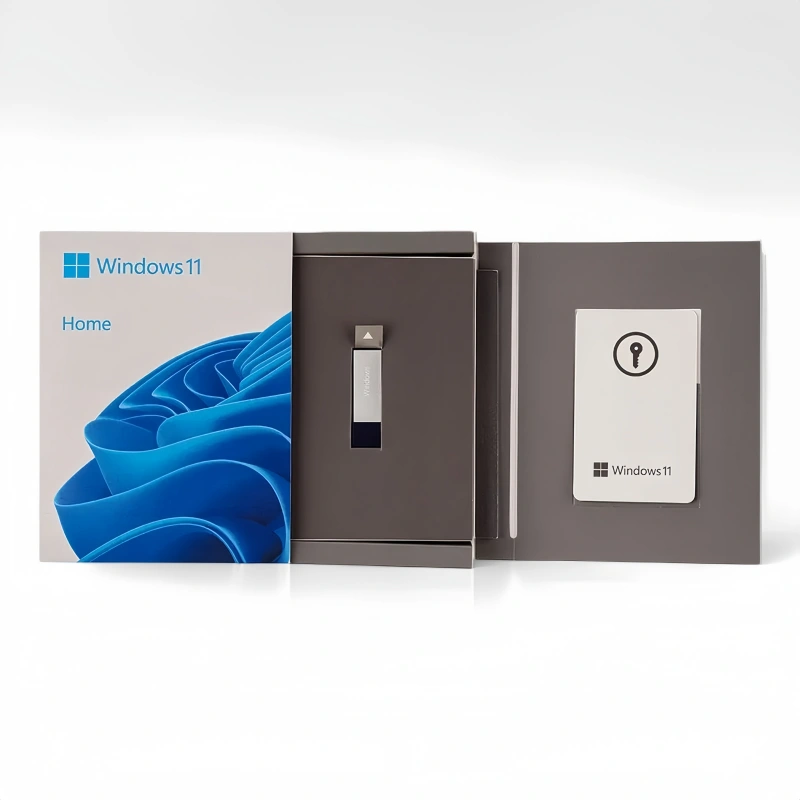
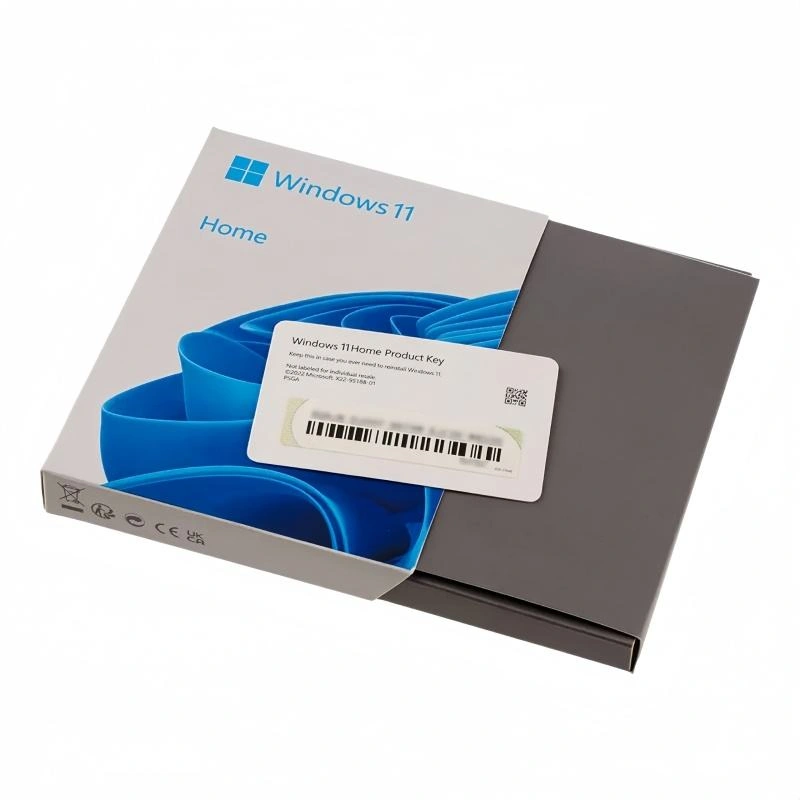
This premium Full Retail Pack (FPP) USB Box comes complete with an official Microsoft bootable USB flash drive and a dedicated retail product key card. It offers plug-and-play simplicity for systems without an optical drive, acting as a lifetime, highly flexible license for your computing needs.
🌟 Key Product Highlights
-
Familiar and Enhanced User Interface: The iconic Start Menu is back and better than ever, expanding to give you quick access to your pinned applications and live tiles. Combined with Task View and virtual desktops, managing multiple open applications and organizing your digital workspace is completely effortless.
-
Plug-and-Play USB Installation Media: No optical DVD drive is required. The retail box includes a genuine, high-speed bootable USB flash drive pre-loaded with installation files. This makes it incredibly easy to perform a clean deployment or system recovery on any compatible desktop or laptop.
-
Standard Built-in Security: Stay protected against modern digital threats with comprehensive, continuous security features. Includes Windows Defender Antivirus for real-time protection against malware, a robust built-in firewall, and password-free login options using Windows Hello biometric authentication.
-
Lifetime Transferable Retail License: Unlike restrictive OEM/DSP keys that bind permanently to a single motherboard, this Full Retail Package (FPP) license offers complete hardware freedom. You maintain the right to uninstall the software and transfer the license to a different PC whenever you upgrade or replace your machine.
⚙️ Technical Specifications
Attribute Specification Edition Windows 10 Home License Type Retail Box / FPP (Full Product Pack) Media Format Official Microsoft USB Flash Drive Architecture Both 32-Bit and 64-Bit Installation Files Included Language English / Universal (Multi-Language packs downloadable) License Count 1 PC (Fully Transferable) 💻 Minimum System Requirements
Please verify your computer hardware meets these criteria before installation:
-
Processor: 1 GHz or faster compatible processor or System on a Chip (SoC).
-
Memory: 1 GB RAM for 32-bit; 2 GB RAM for 64-bit.
-
Hard Drive Space: 20 GB available hard disk space.
-
Graphics Card: Compatible with DirectX 9 or later with WDDM 1.0 driver.
-
Display: 800 x 600 minimum resolution.
-
Connectivity: Internet connectivity is required to perform initial updates, setup validations, and continuous security downloads.
ℹ️ The Retail Box Advantage: Purchasing the official physical USB box set guarantees you a genuine license directly backed by Microsoft. Take advantage of lifetime activation validity, ongoing security patches, and direct technical support via chat or phone provided directly by Microsoft Customer Service.
There is a file you can reference named "Windows_10_Home_USB_Box_Product_Description.pdf". Refer to this file by its name verbatim.
There is a file you can reference named "Windows_10_Home_USB_Box_Product_Description.html". Refer to this file by its name verbatim.

The differences between Windows 10 Home and Windows 10 ProThis is the key factor that determines which version suits you. Consider the product you need to
purchase:Windows 10 Home Features (Best Personal Choice)Individual users, family users, student users. Professional users, small businesses.Windows is completely secure. Windows Hello. Add BitLocker disk drive encryption to protect lost
data.Remote connection can only connect to another machine. Can act as the host for remote desktop,
allowing others to connect to your host.There is no hyperv virtualization. There is a hyperv to create and run virtual machines.Network managers of companies cannot enter this field. Can participate in the company's domain
network.It is recommended that if you use your computer for personal purposes, learning, home entertainment,
and do not need to connect to a complex company network, Windows 10 Home Edition is perfect,
providing all the functions you need at the most reasonable cost. If you need advanced data security
features or need to connect and manage computers in a business environment, then you need it.To build a complete work and entertainment ecosystem with Windows 10 HomeTo make your Windows 10 Home computer more powerful, you need more basic tools:Office application: Perfectly integrated with Microsoft Office Home and Student 2021 or Microsoft 365
Personal, handling all learning and office work.Download speed improvement: Install the Internet Download Manager (IDM) copyrighted download
software, and games and large files download quickly and stably.Advanced protection: Although Microsoft's protection is very good, professional security solutions like
Kaspersky will provide additional protection, especially payment protection and privacy protection.Purchase and activation of copyright processStep 1: Complete the order: Select Windows 10 Home product, pay through transfer or Momo secure
payment.Step 2: Receive the key by email: Our system will automatically send the 25-character product key to
your email.Step 3: Download the installation program (if necessary): If you have installed a new installation
program, visit the Microsoft homepage, download the media creation tool, and create a USB installation program for Windows 10.Step 4: Copyright activation:For the host that has installed Windows 10: Go to Settings > Update & Security > Activate. Select
Change product key and enter the key you received.For the new installation: Enter the required key during the installation process.Dawn Promise Gold PCLifetime warranty: We promise a "lifetime warranty for the Windows 10 Home key and machine
warranty" to provide absolute security during use.Clear refund policy: If the defective product cannot be activated or does not match the description,
we promise a 100% refund. If the customer wants, they can always choose a new product.Technical support commitment: If you encounter difficulties during installation or activation? Contact:
Zalo 0586280000 or 0896909666 to obtain free advice and support.Security cost: Own a stable, secure, and costliest operating system. We promise to provide genuine
keys to make your computer run smoothly and be protected.Common questions - Common questionsHow long can Windows 10 Home support? Microsoft announced that it will continue to provide security updates for Windows 10 until October 14, 2025. After this, the operating system will continue to work
normally, but will not receive new security patches.Can I upgrade from Windows 10 Home to Windows 11 Home for free? Yes. If your computer fully meets the hardware requirements for Windows 11 (such as CPU, RAM, TPM 2.0, and secure boot), you can
upgrade it for free directly through Windows Update.What are the main differences between the 32-bit and 64-bit versions? The 64-bit version can handle
larger memory (more than 4GB) and provides better performance for heavy tasks and modern software. Most current computers should have the 64-bit version installed. The 32-bit version is only suitable for
very old 32-bit CPU computers.Can this key be used for upgrading from Windows 7 or 8.1? Yes. You can activate this key after the
upgrade is completed. You can directly upgrade from Windows 7/8.1 to Windows 10 Home or perform
a new installation (clean installation).Why should I purchase the copyright instead of using cracked tools online? Using Windows copyright
ensures that your system remains clean, stable, and receives all important security updates from
Microsoft. Cracked tools often come with viruses, and malicious code can steal personal information,
slow down the machine, and cause serious system failures.If I reinstall, can I still use this key? Yes. The key will be connected to the hardware of your machine.
As long as you install Windows 10 Home on the same computer, the operating system will automatically recognize it and reactivate the copyright after you connect to the internet. The biggest difference
between the windows is... -
-
Customer ReviewsNo comments