
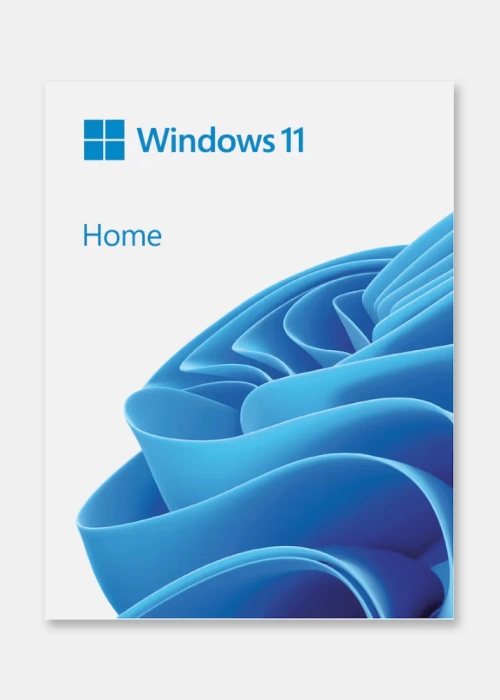
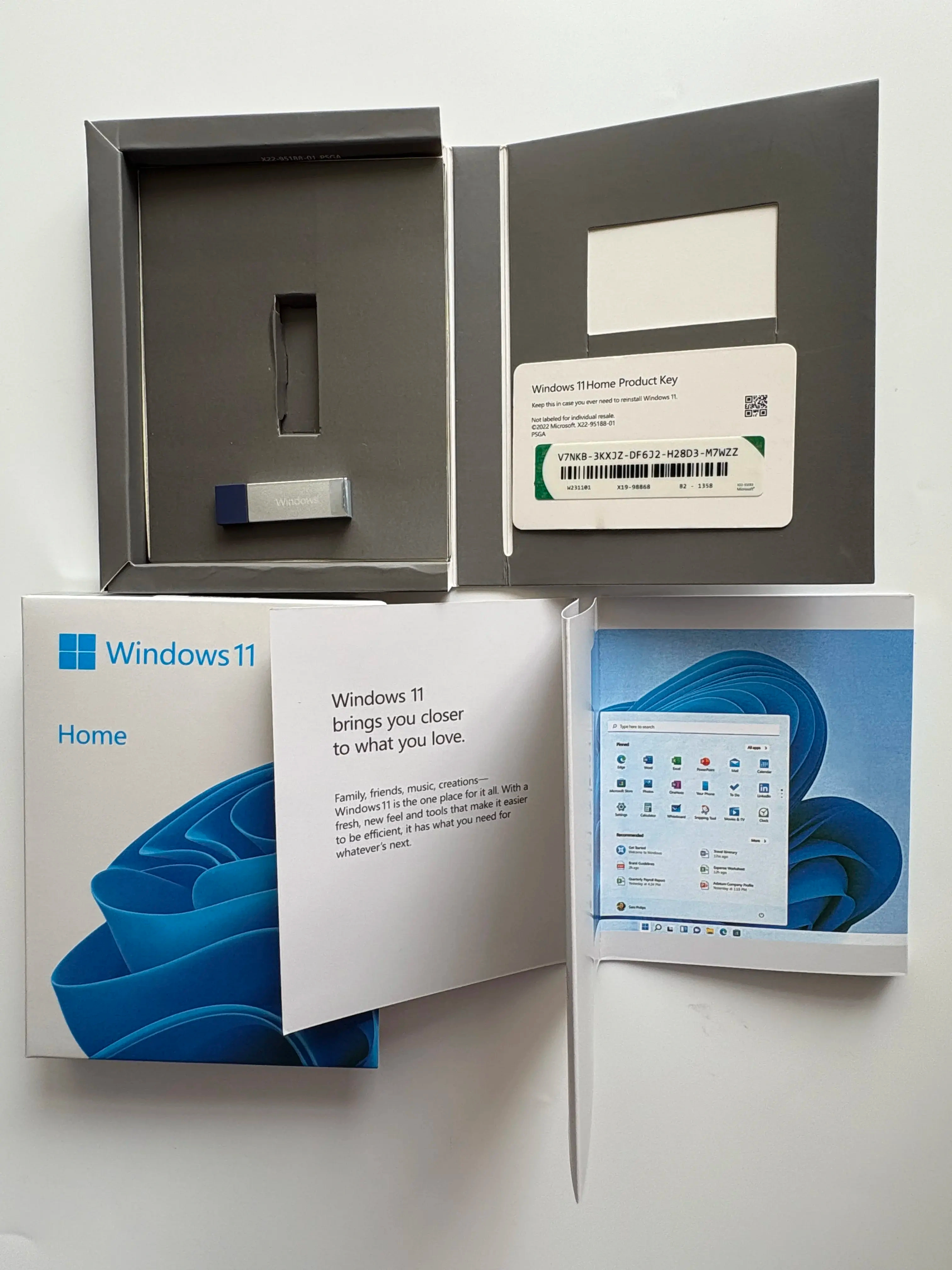
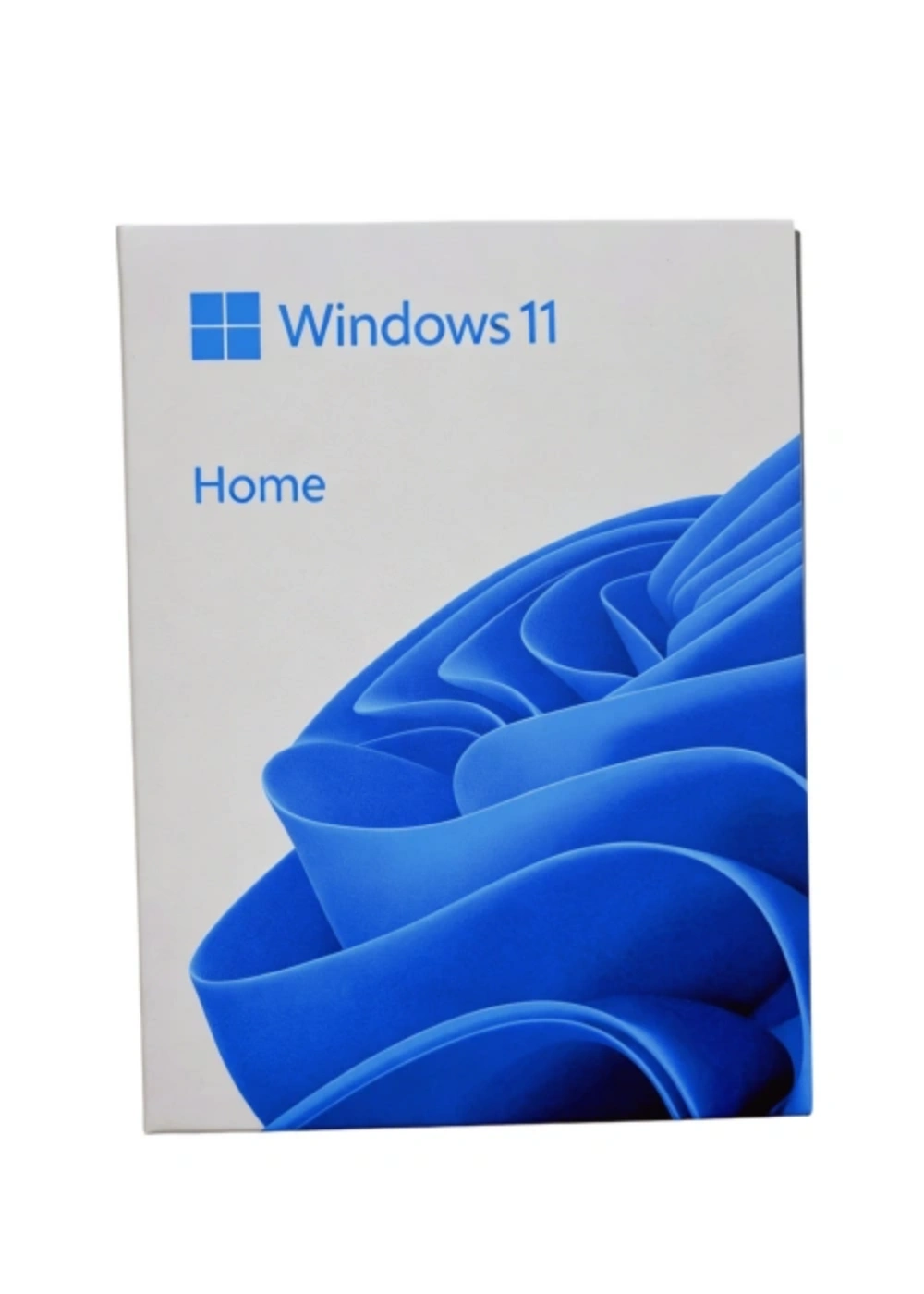
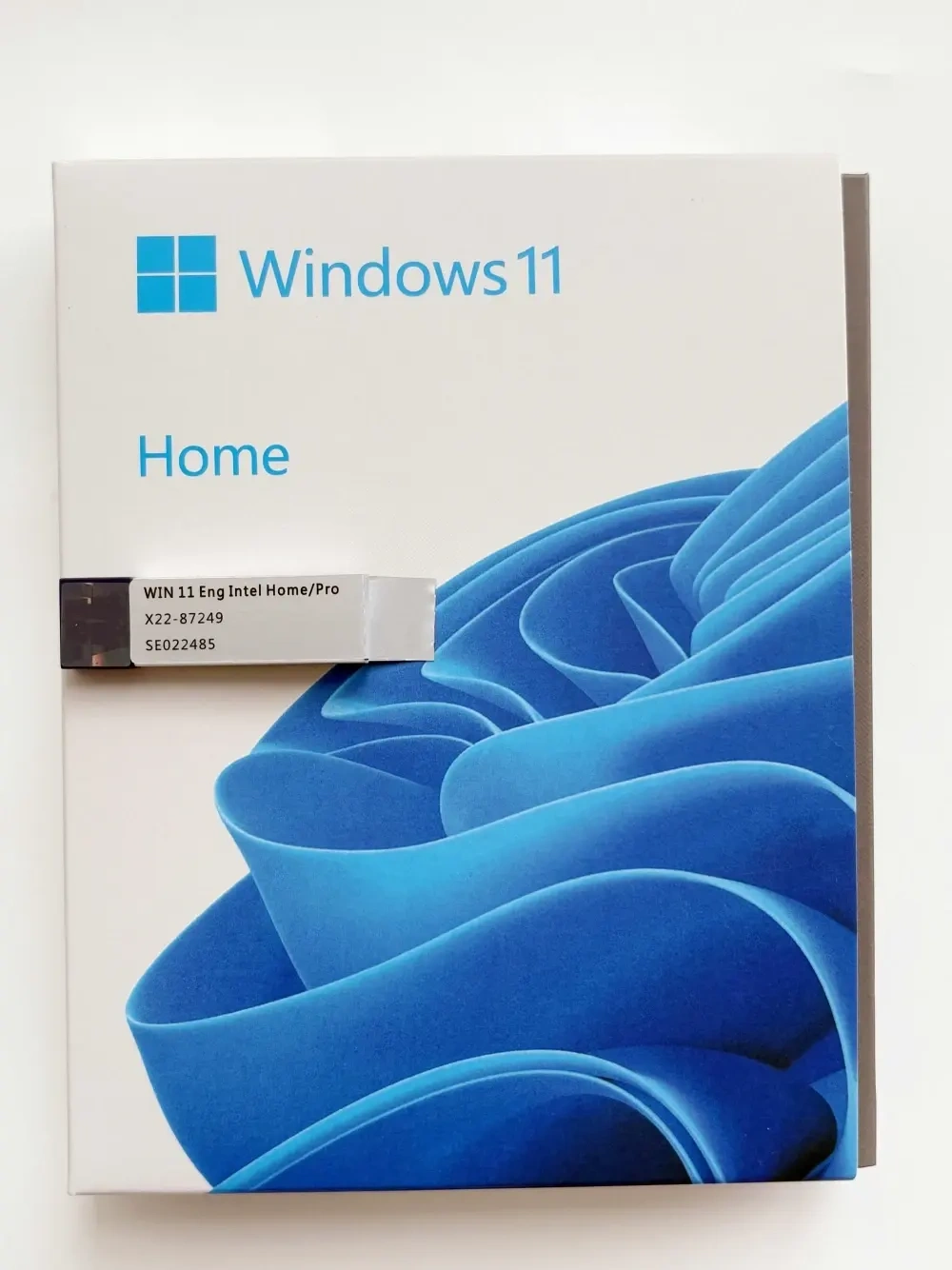
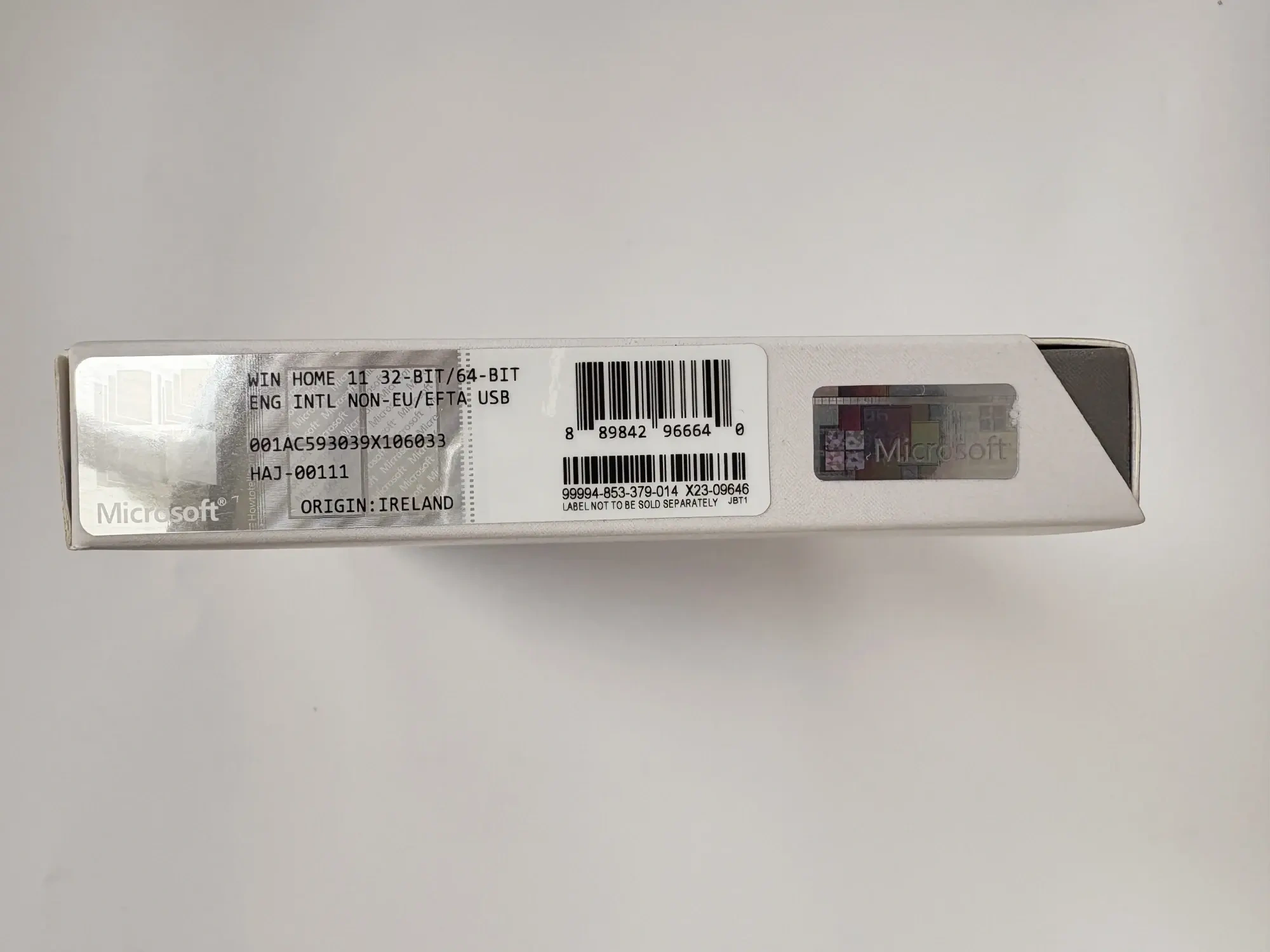
Windows 11 Home USB Box
• Comes in a sleek USB box for easy setup on any compatible PC.
• Perfect for refreshing an older laptop or building a new one with confidence.
• Windows 11 Home brings smooth multitasking and a calm, modern interface.
• Trusted, official, and hassle-free—no downloads, no waiting.
-
Detail
Microsoft Windows 11 Home 64-Bit
Retail Boxed Edition with Bootable USB Flash Drive (EngIntl / Universal)
Bring balance to your desktop with Microsoft Windows 11 Home. Featuring a sleek, reimagined user
interface, enhanced security protocols, and next-generation gaming technologies, it is the premier
operating system for modern computing, personal productivity, and digital entertainment.This premium Retail Box (FPP - Full Product Pack) includes a high-speed, genuine USB flash drive
containing the installation media, alongside a unique retail product key. Perfect for computers without
an optical drive, it offers effortless deployment for upgrades, replacements, or completely new PC builds.🌟 Key Product Highlights
-
Modern, Reimagined User Interface: Features a centered Start Menu, clean taskbar layouts, and
translucent materials designed to reduce clutter. Utilize Snap Layouts and Snap Groups to
effortlessly organize multi-window workflows and maximize your screen workspace. -
Plug-and-Play USB Media Installation: No DVD drive required. The included retail box contains
a bootable high-speed USB flash drive, allowing for a fast, hassle-free, and clean installation setup on
any compatible desktop or laptop. -
Ultimate Retail Licensing Freedom: Unlike OEM/DSP licenses that lock permanently to a single
motherboard, this Full Retail Package (FPP) key gives you the freedom to transfer the license to
a different computer in the future if you upgrade or replace your hardware. -
Next-Gen Immersive Gaming: Unleash your hardware's full potential with Auto HDR for richer
colors, DirectStorage for lightning-fast asset loading directly to the GPU, and native integration with the Xbox App for seamless PC gaming.
⚙️ Technical Specifications
Attribute Specification Edition Windows 11 Home License Type Retail Box / FPP (Full Product Pack) Media Format Bootable USB Flash Drive Bit-Version 64-Bit Only Language English International (EngIntl) - Supports global language packs License Count 1 PC (Transferable to another machine) 💻 Minimum System Requirements
-
Processor: 1 GHz or faster with 2 or more cores on a compatible 64-bit processor (Intel 8th Gen /
AMD Ryzen 2000 or newer). -
Memory: 4 GB RAM minimum.
-
Storage: 64 GB or larger available storage device.
-
System Firmware: UEFI, Secure Boot capable.
-
TPM: Trusted Platform Module (TPM) version 2.0 enabled.
-
Graphics: Compatible with DirectX 12 or later with WDDM 2.0 driver.
-
Display: High definition (720p) display that is greater than 9” diagonally, 8 bits per color channel.
-
Internet Account: Microsoft account and internet connectivity required for initial setup.
ℹ️ Retail Box Advantage: This official retail package includes direct, complimentary technical support via chat or phone provided directly by Microsoft Customer Service. It provides full
flexibility, lifetime activation validity, and comprehensive peace of mind. Windows 11 Home License Purchase and Activation ProcessStep 1: Complete Order: Select the Windows 11 Home product and make a secure payment
via
Bank Transfer or Momo.Step 2: Receive Key via Email: The 25-character Product Key will be automatically sent to your
email address immediately.Step 3: Download the Installer (if needed): If you are performing a fresh installation, visit the
Microsoft homepage to download the Media Creation Tool and create a bootable USB drive.Step 4: Activate License:For machines already installed with Windows 11 Home: Go to Settings > System > Activation >
Change product key and enter the key you received.For fresh installations: Enter the key during installation when prompted.Gold Guarantee when buying Windows 11 Home from Binh Minh PCSolid Warranty: We commit to a “Lifetime 1-to-1 replacement warranty” for the Windows 11
Home key.Clear & Fair Refund Policy: We guarantee a 100% refund if the product is faulty, cannot be
activated, or does not match the description. You always have the option to exchange for a new,
equivalent product if you wish.Dedicated Technical Support: Having trouble with installation or activation? Contact us via Zalo
at 0586280000 or 0896909666 for free advice and support via Ultraviewer.Price & Security: Own the most modern operating system at the optimal cost. We are committed
to providing genuine, absolutely secure keys for your computer.Frequently Asked Questions – FAQI am using a licensed copy of Windows 10 Home, do I need to buy a Windows 11 Home key? No. If your
computer meets the hardware requirements, Microsoft allows you to upgrade from a
licensed copy of Windows 10 Home to Windows 11 Home for free through Windows Update. You only need to
buy a new key if you're assembling a new computer yourself or your computer isn't
licensed.How do I check if my computer is compatible with Windows 11? You can download and run the official “PC Health Check” application from Microsoft's website. This tool will scan and tell you
exactly if your computer is eligible to install Windows 11.Can this key be used to upgrade from Windows 11 Home to Pro? No. This key is for the Home
version only. To upgrade to Pro, you need to buy a separate Windows 11 Pro key.What are the biggest differences between Windows 10 Home and Windows 11 Home? The
biggest differences lie in the user interface (completely new and more modern) and higher
hardware
security requirements (TPM 2.0, Secure Boot), making Windows 11 Home more secure.
Additionally, Windows 11 Home has better game optimization technologies.After activation, will I receive updates from Microsoft? Absolutely. Using a genuine product key
ensures you receive all feature and security updates from Microsoft in a timely and complete
manner, keeping your computer safe and up-to-date.If I reinstall my computer, can I reuse this key? Yes. The key will be tied to your computer's
hardware (motherboard). As long as you reinstall Windows 11 Home on the same computer, the
operating system will automatically recognize and reactivate the license after you connect to the
internet.Does using a genuine Windows license make my computer run faster? Using a genuine Windows
license ensures your system is clean, free from modifications or the installation of malware, unlike cracked versions. This contributes to stable, secure, and optimal performance, rather than being
slowed down by background processes. -
-
Customer ReviewsNo comments