
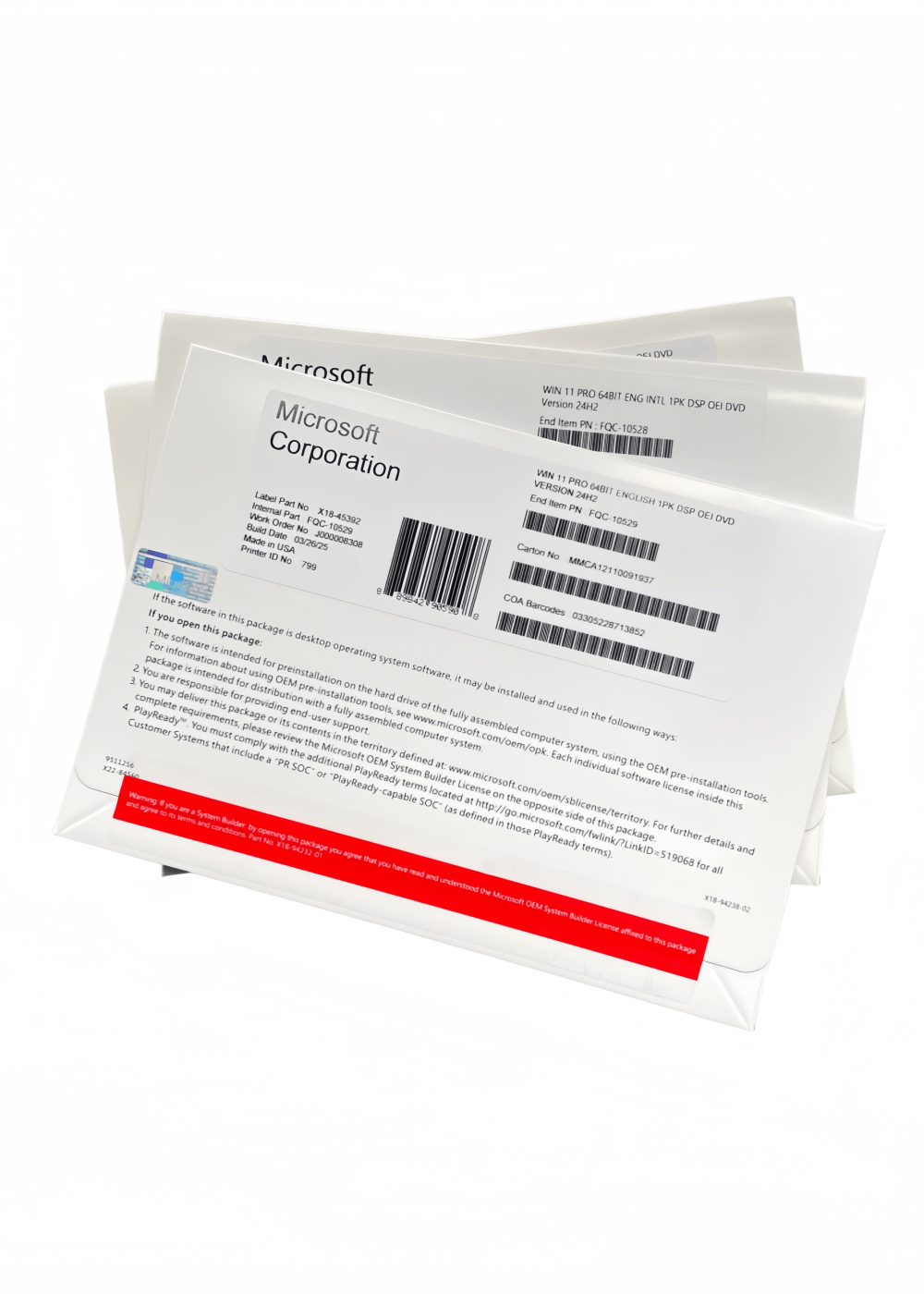
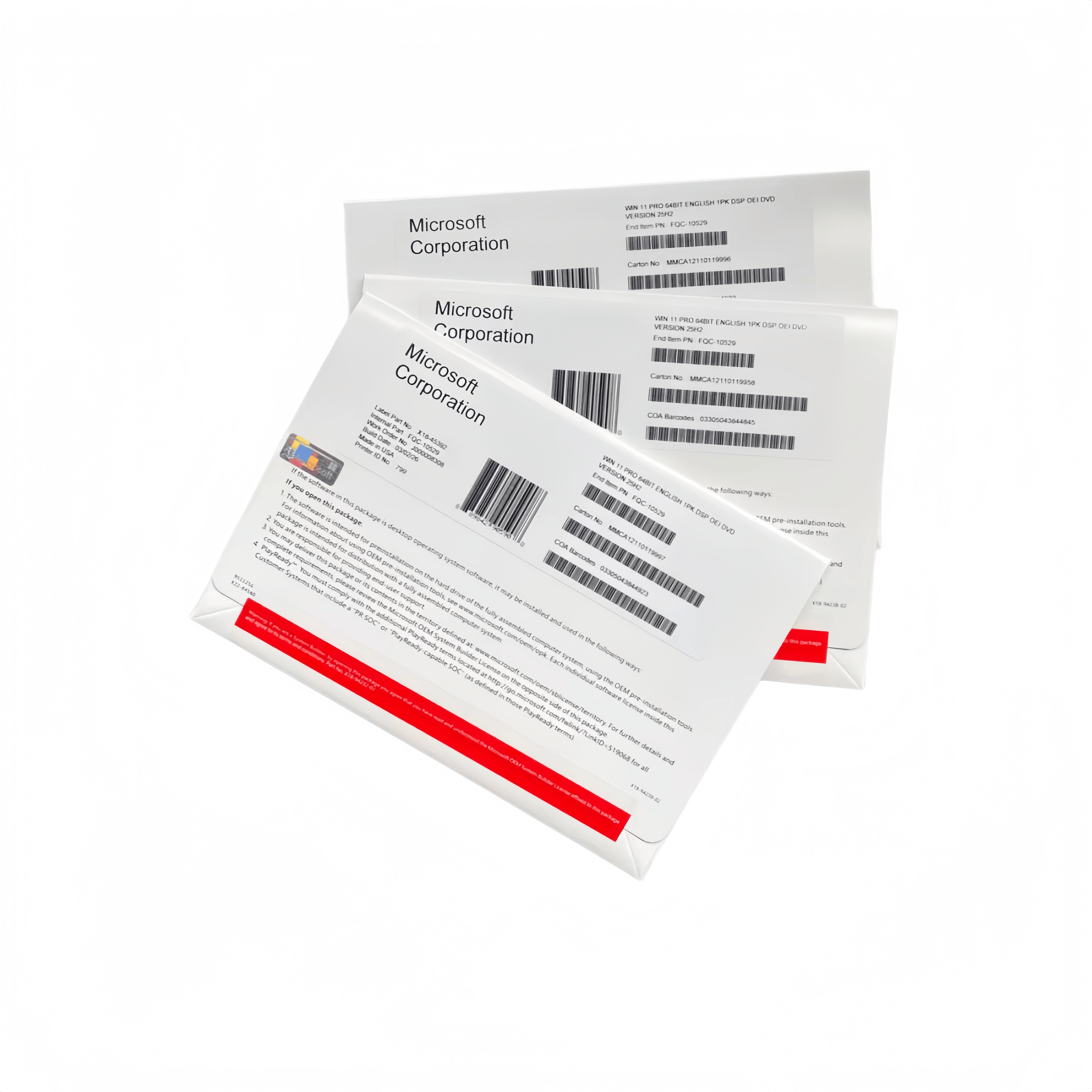
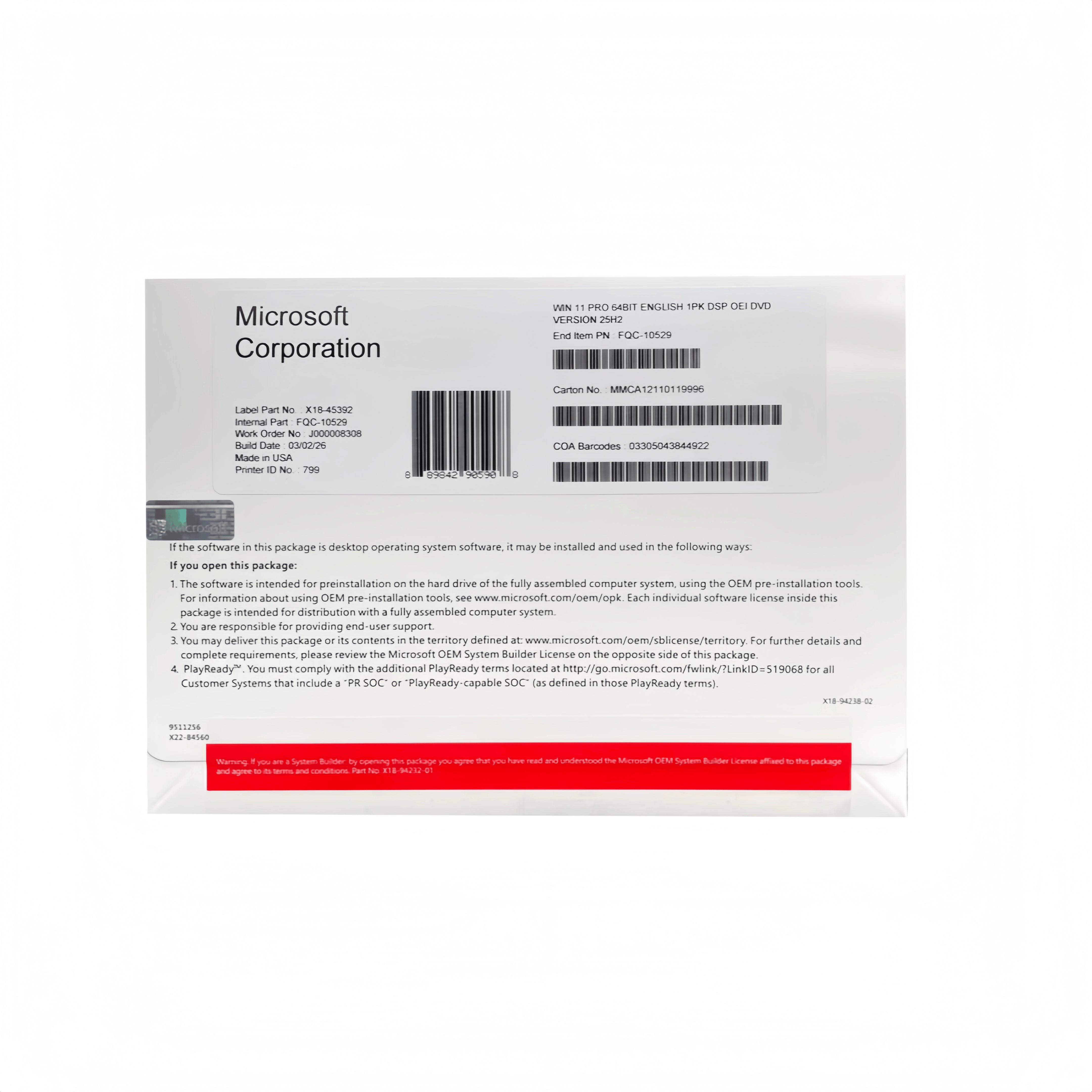
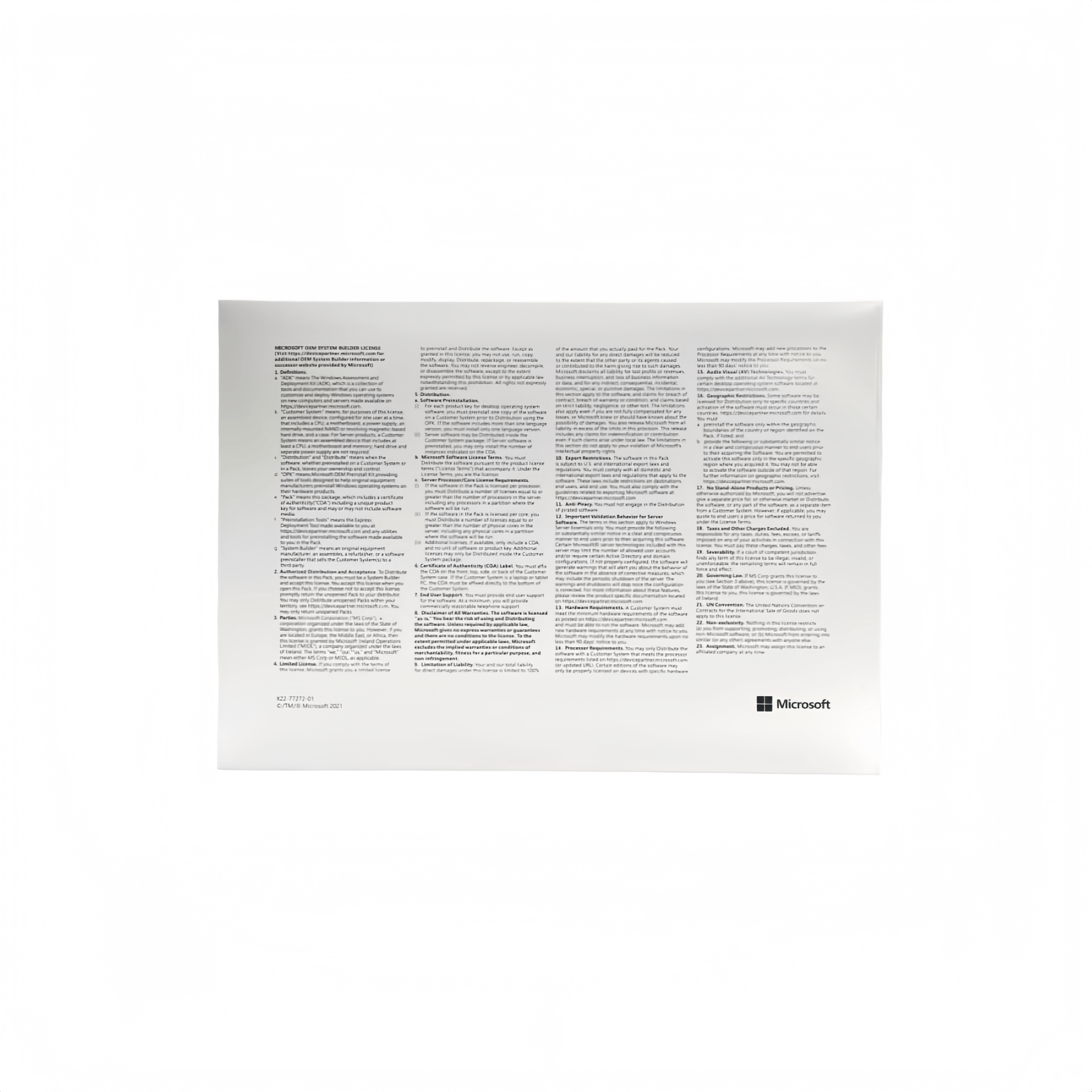
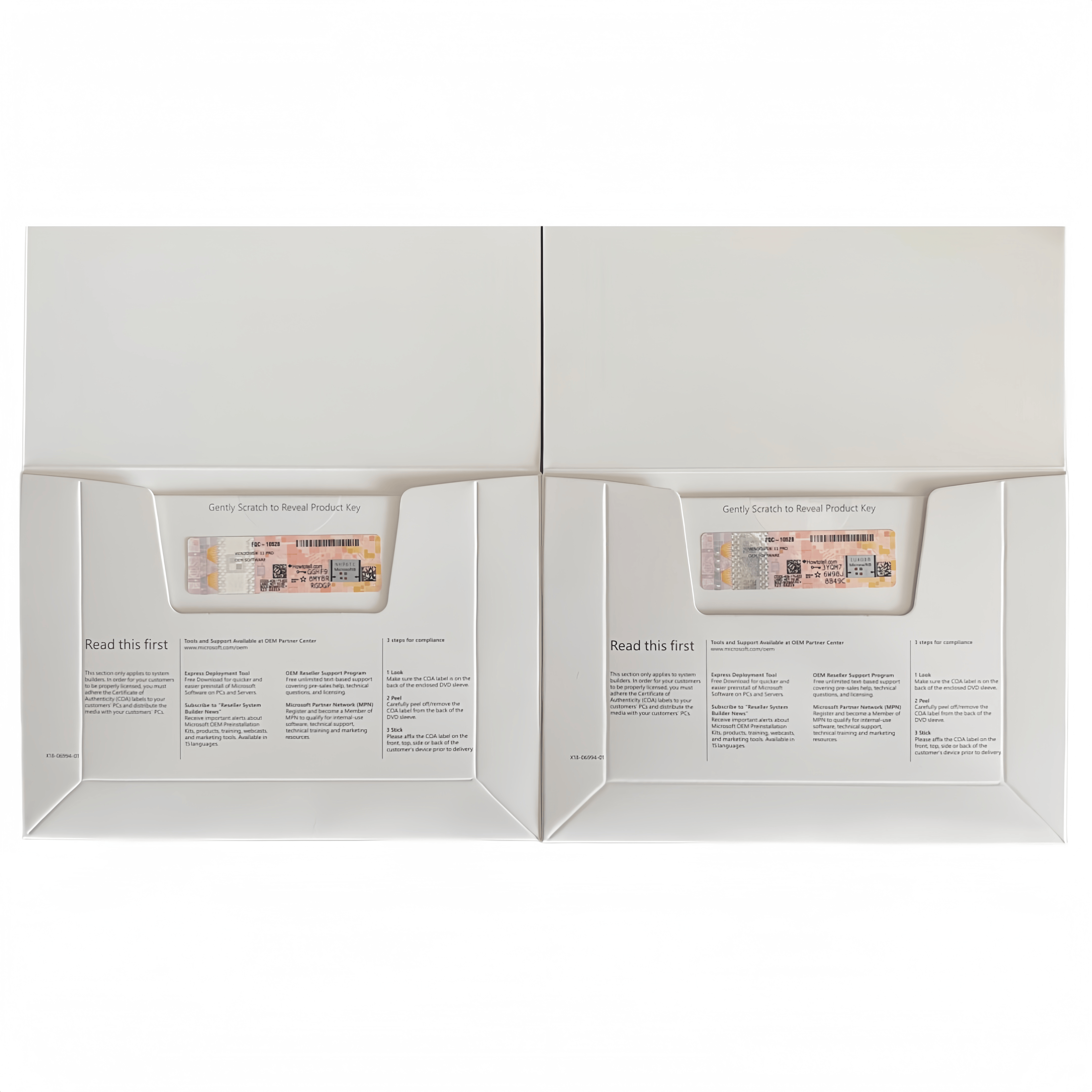
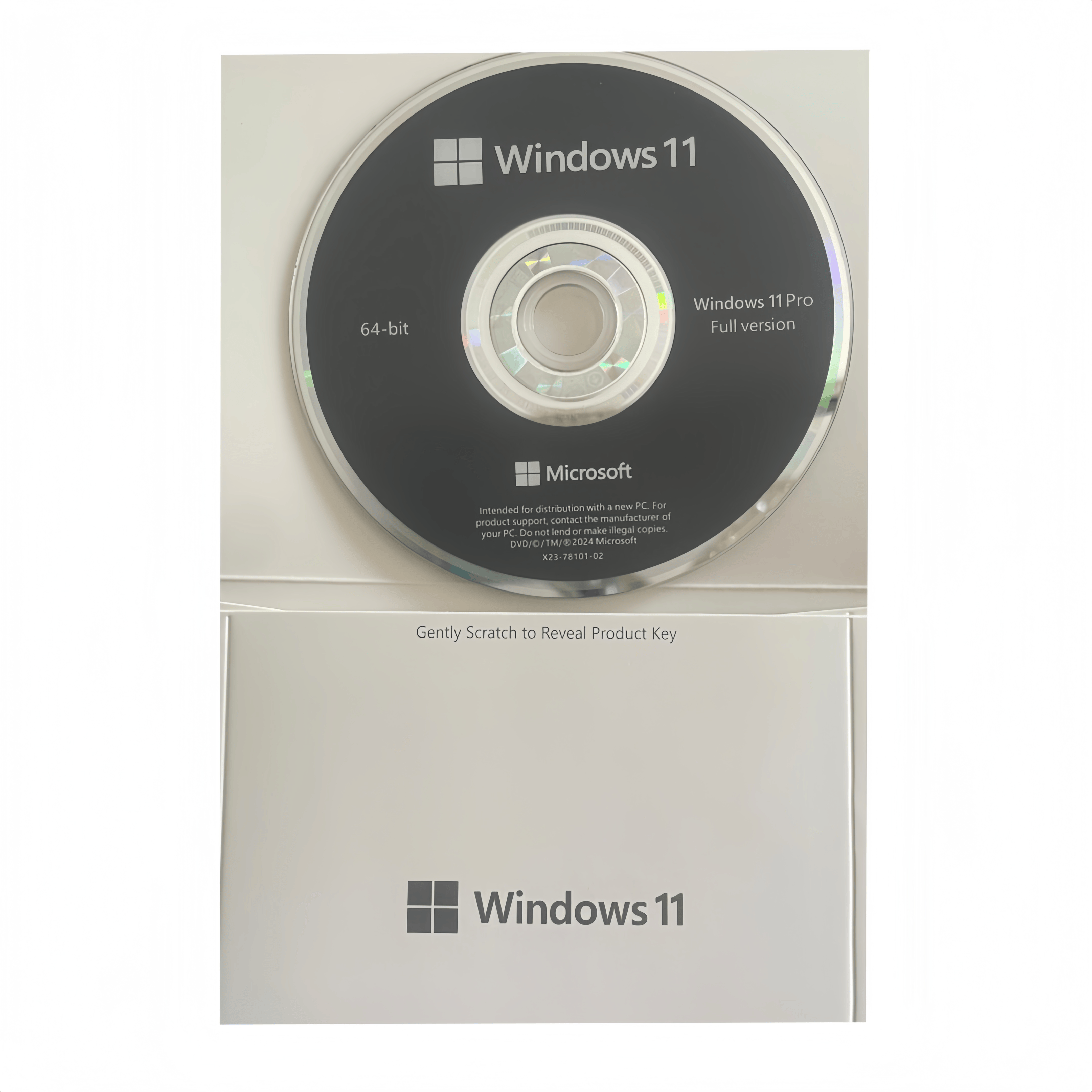
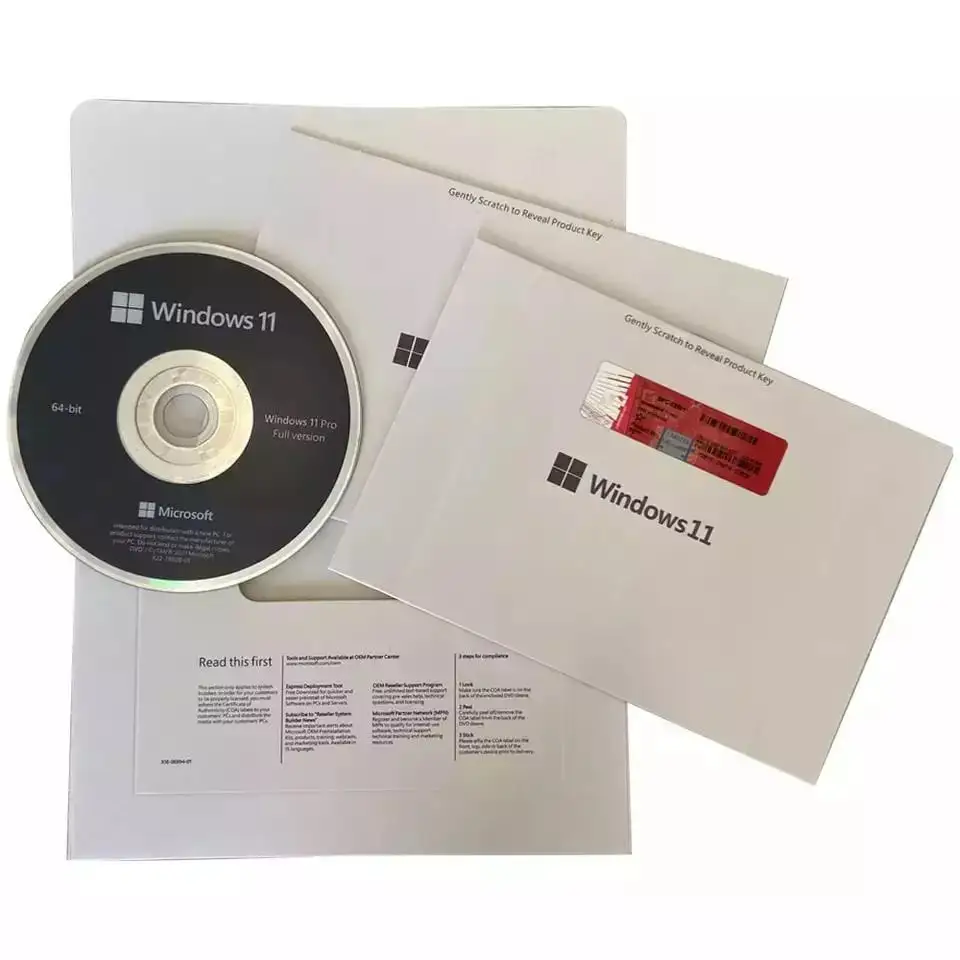
Windows 11 Pro 64-Bit English International 1pk DSP OEI DVD
Next-Generation Performance, Security, and Productivity for System Builders
Product Overview
Bring your custom-built hardware to life with Windows 11 Pro 64-Bit English International. This premium operating system package includes the 64-bit physical installation DVD and a single-pack (1pk) genuine product key license (COA).
As a DSP OEI (Delivery Service Partner / Original Equipment Installer) license, this product is designed for IT professionals, PC manufacturers, system integrators, and hobbyists assembling new or refurbished desktop and laptop computers. Featuring the English International (Eng Intl) language pack, this edition utilizes standard international keyboard layouts and
formatting, making it ideal for worldwide distribution and multi-regional corporate deployment.
Key Features
-
Modern, Fluid Interface: Experience a fresh, clean user experience with a centered Start menu, intuitive Snap Layouts,
Snap Groups, and seamless virtual desktops designed to maximize your screen real estate. -
Enterprise-Grade Security: Windows 11 Pro requires modern hardware-based protection including TPM 2.0, Secure Boot, and VBS (Virtualization-Based Security). Enjoy advanced data protection with BitLocker Drive Encryption and cloud-
delivered Windows Defender. -
Built for Hybrid Work: Seamlessly join Microsoft Entra ID (formerly Azure Active Directory) or Windows Server Domains. Take control of your workflow with built-in Microsoft Teams integration, advanced Remote Desktop hosting, and Windows Information Protection (WIP).
-
Advanced Virtualization: Run secondary operating systems effortlessly on the same machine using Client Hyper-V and Windows Sandbox for isolated application testing.
-
Next-Gen Gaming & Performance: Unlock your hardware's full potential with DirectStorage for ultra-fast loading times,
Auto HDR for breathtaking visuals, and efficient 64-bit multi-core processing optimization.
Technical Specifications
| Attribute | Specification |
| Edition | Windows 11 Pro (Professional) |
| Architecture | 64-bit Only (x64) |
| License Type | DSP OEI (OEM System Builder) |
| Media Type | DVD-ROM |
| Language | English International (Eng Intl) |
| Package Quantity | 1 Pack (Includes 1 Product Key / COA Label) |
Minimum System Requirements
Windows 11 features strict hardware requirements to guarantee maximum stability and security. Please ensure your
components are compatible:
-
Processor: 1 GHz or faster with 2 or more cores on a compatible 64-bit processor or System on a Chip (SoC).
-
Memory (RAM): 4 GB or greater.
-
Storage: 64 GB or larger storage device (SSD highly recommended).
-
System Firmware: UEFI, Secure Boot capable.
-
TPM: Trusted Platform Module (TPM) version 2.0 required.
-
Graphics Card: Compatible with DirectX 12 or later with WDDM 2.0 driver.
-
Display: High definition (720p) display that is greater than 9” diagonally, 8 bits per color channel.
-
Optical Drive: DVD-ROM drive required for physical media installation (or external USB DVD drive).
Important OEM/OEI Licensing Notice:
This is a Microsoft DSP OEI (OEM) license. Under Microsoft licensing terms, this software must be pre-installed on
a new PC or assembled system using a system builder tool. Once activated, the license permanently binds to the
system's motherboard and cannot be transferred to another computer. Technical support for this software is
provided by the system builder/installer and is not eligible for direct Microsoft telephone or chat support.

always been a solid foundation for over one billion users worldwide. This is a place where small
startups
grow and is well-known all over the world.
friends' gatherings, entertainment and relaxation...

Microsoft announced the release of Windows 11.
In the recently leaked Windows 11 installation, many users discovered an option that enables the
operating system to record the position of each window based on the screen connection.
This means that if a user has opened a group of windows on both screens, after reconnecting the
screens or restarting the PC, it can solve the problem of randomly moving windows or tabs, and fill all
the open applications on one of the screens.
Furthermore, when a user disconnects the connection of one of the screens, the operating system will
shrink the application to the tray instead of switching the program to the screen.
Microsoft's Windows 11 is designed for efficiency, creativity, simplicity and elegance.
At first glance, Windows 11 looks very similar to Windows 10, with a significant design improvement
including colorful icons, circular panels and new animations.
These changes are part of the recent updates to Sun Valley that we have learned about. However, so far, some of the major changes in Windows 11 have not been confirmed.
The first change that users will notice is the new logo of Microsoft Windows 11. This is a simpler version compared to Windows 10.
According to Bleeping Computer, the Windows installation experience has undergone a significant
change, featuring new colors, graphics, and installation assistance.
Microsoft has also introduced a new dimming feature for the background in Windows 11.
The new Start menu will be the most recognizable change in Windows 11.
Start to become your focal point, making it easier for you to find what you need. However, many people take some time to adapt to this change.

The "menu" button is located in the center of the screen.
Start leveraging the power of the cloud and Microsoft 365 to show you your most recent files, no matter
if you are using the platform or on previous devices, even on Android or iOS.
When all Windows users around the world install a vulnerability, new features may "emerge" and be
shared before the upcoming Windows event by Microsoft.
Please note that the leaked structure may be forged, causing your computer to be infected with malware
or viruses. Therefore, you must be extremely cautious when installing this flawed Windows 11. It is
recommended that you install the leaked structure only on a virtual machine or other secure devices.
Improvements to Windows 11 tablets
The tablet mode has been a weakness of Windows since Windows 8.
However, the most important feature at present is a new "gesture layer", which will be placed on top of
the user interface and enable users to perform mouse operations on the touchscreen.
The use of pens and voices will also be well adjusted, providing a new voice and context menu interface for the pens.
These tablet computers may serve as a demonstration of Windows 11, especially in future Microsoft Surface products.
Other features of Microsoft Windows 11
With Windows 11, Microsoft simplifies the design and experience for users to enhance efficiency and inspire your creativity.
Microsoft's Windows 11 offers a modern, fresh and, of course, beautiful experience.


The beautiful Windows 11 interface
From launching Manu and the new taskbar to every sound, font and icon, all of these are designed to help you better
control and provide a smooth and easy-to-use experience.
There is news that Microsoft will incorporate battery usage statistics into the installation program. Smartphones have had
this feature for many years, but it is no longer available in Windows.
Other rumored features include the ability to uninstall most Microsoft applications, as well as support for external screens and panels of Microsoft accounts in the taskbar.
Furthermore, recent tests have shown that the Explorer file process commonly found in the taskbar and task manager appears to be separate.
Configuration Minimum Requirements Microsoft Windows 11
To upgrade to Windows 11, your computer must meet the following minimum requirements:
CPU 64-bit, 2 cores, speed above 1 GHz
Minimum memory: 4 GB, hard disk: 64 GB.
UEFI firmware and secure boot.
Supports standard TPM 2.0 or above.
VGA and WDDM 2.0 compatible with DirectX 12.
720p resolution screen, over 9 inches, supports 8-bit color.
Internet connection and Microsoft account: When installing Windows 11 Home, you must have an internet connection and you must log in to your Microsoft account.
Where to buy Microsoft Windows 11?
Windows 11 has not been released yet, but Microsoft has stated that it will be launched by the end of this year. If you are excited, you can do whatever you want when preparing to install Windows 11.
Windows 11 will be updated immediately after its release on binhminhpc.com. Let's keep an eye on binhminhpc.com
regularly and purchase the copyright of Windows 11 as soon as it becomes available.